Plus 2 and DNF in Speedcubing: Rules, Meaning, and How to Log Them
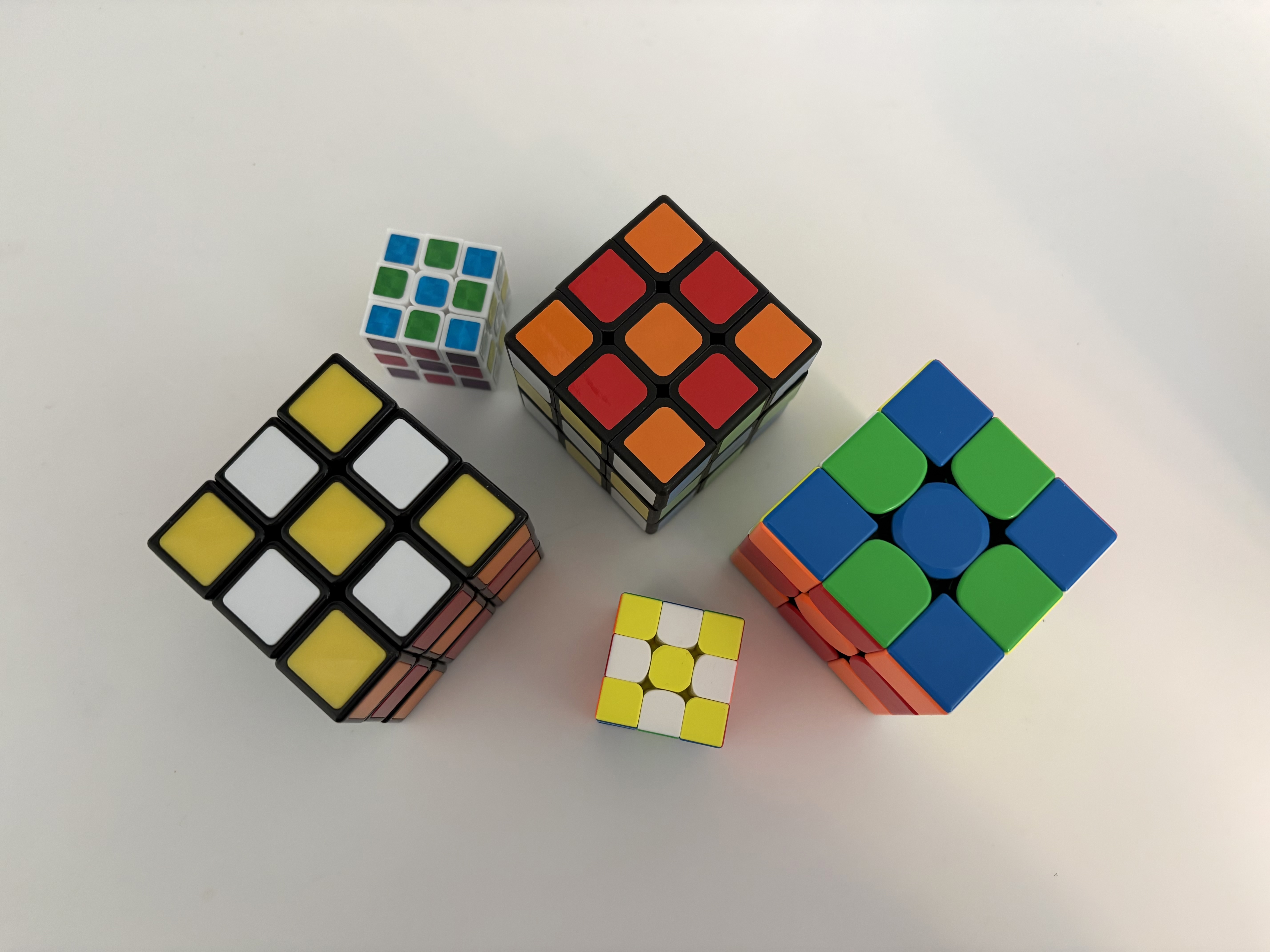
Many beginners lose confidence in their averages for one simple reason: penalties are logged inconsistently.
One day a slightly messy finish is treated as a normal solve, the next day it becomes +2, and sometimes the same kind of miss is logged as DNF. When that happens, your data stops telling the truth about your progress.
This guide explains what +2 and DNF mean, how to make decisions quickly, and how to keep your logs clean enough to trust.
What a +2 penalty means
A +2 means exactly what it says: add two seconds to the raw time.
In official competition settings, +2 is used for specific finish-condition issues. In personal practice, the most important thing is to apply one clear standard every time.
Think of +2 as:
- solve was basically completed
- attempt is still countable
- result needs a penalty adjustment
Example:
- raw time:
18.41 - result:
+2 - recorded time:
20.41
The key is not to debate for 20 seconds after each solve. Decide fast, log, continue.
What DNF means
DNF means Did Not Finish. It is not a slow solve. It is an invalid result.
Use DNF when the attempt cannot be counted as a completed solve.
Common cases:
- cube is not solved when you stop
- solve is invalid under your session rules
- you abandon the attempt
A common beginner mistake is converting DNF into a fake slow time like 99.99. Avoid this. It hides accuracy issues and makes your averages harder to interpret.
Common real-world examples
If you feel uncertain in the moment, this quick reference helps.
| Situation | Recommended log |
|---|---|
| You stop and notice one piece is still unsolved | DNF |
| You finished but your session rule says this finish should be penalized | +2 |
| You panic, stop early, and the cube is not solved | DNF |
| You finished clearly and cleanly | normal time |
Do not chase perfection on edge cases. Build a consistent rulebook and stick to it for the whole block of practice.
How penalties affect your averages
Penalty decisions directly affect Ao5 and Ao12.
- frequent
+2often signals finish control issues - frequent
DNFoften signals accuracy or decision pressure issues - unstable penalty judgment makes trend analysis noisy
This is why penalty logging is a training skill, not only an admin task.
If you want a deeper refresher on average logic, read Ao5 and Ao12 Explained.
A practical logging workflow
Use the same 4-step flow after every solve:
- Stop timer.
- Check solved state once.
- Assign one result: normal /
+2/DNF. - Save immediately.
Small habits that improve data quality:
- Decide within 3 seconds.
- Do not rewrite old penalties unless it was an input mistake.
- If you change a result later, leave a short note.
You are trying to protect signal quality in your dataset.
How to set your personal penalty standard
If competition-level detail still feels overwhelming, start with a clear practice standard:
- Normal: solved and clean by your current rule
+2: solved but penalized by your current ruleDNF: not countable as finished
Once this is stable, you can tighten your interpretation as you learn more official rule details.
Consistency first, precision second.
One-tap penalty logging in Speed Cube Timer
After each solve in Speed Cube Timer, you can mark +2 or DNF quickly and keep session rhythm.
That speed matters. The easier the logging flow, the less likely you are to skip or “fix later.” And the fewer delayed fixes, the more trustworthy your progress trend becomes.
If your next step is cleaning up scramble and timing flow end-to-end, continue with What Is a Scramble in Speedcubing?.