How to Time Rubik's Cube Solves: Beginner Guide for Phone and PC
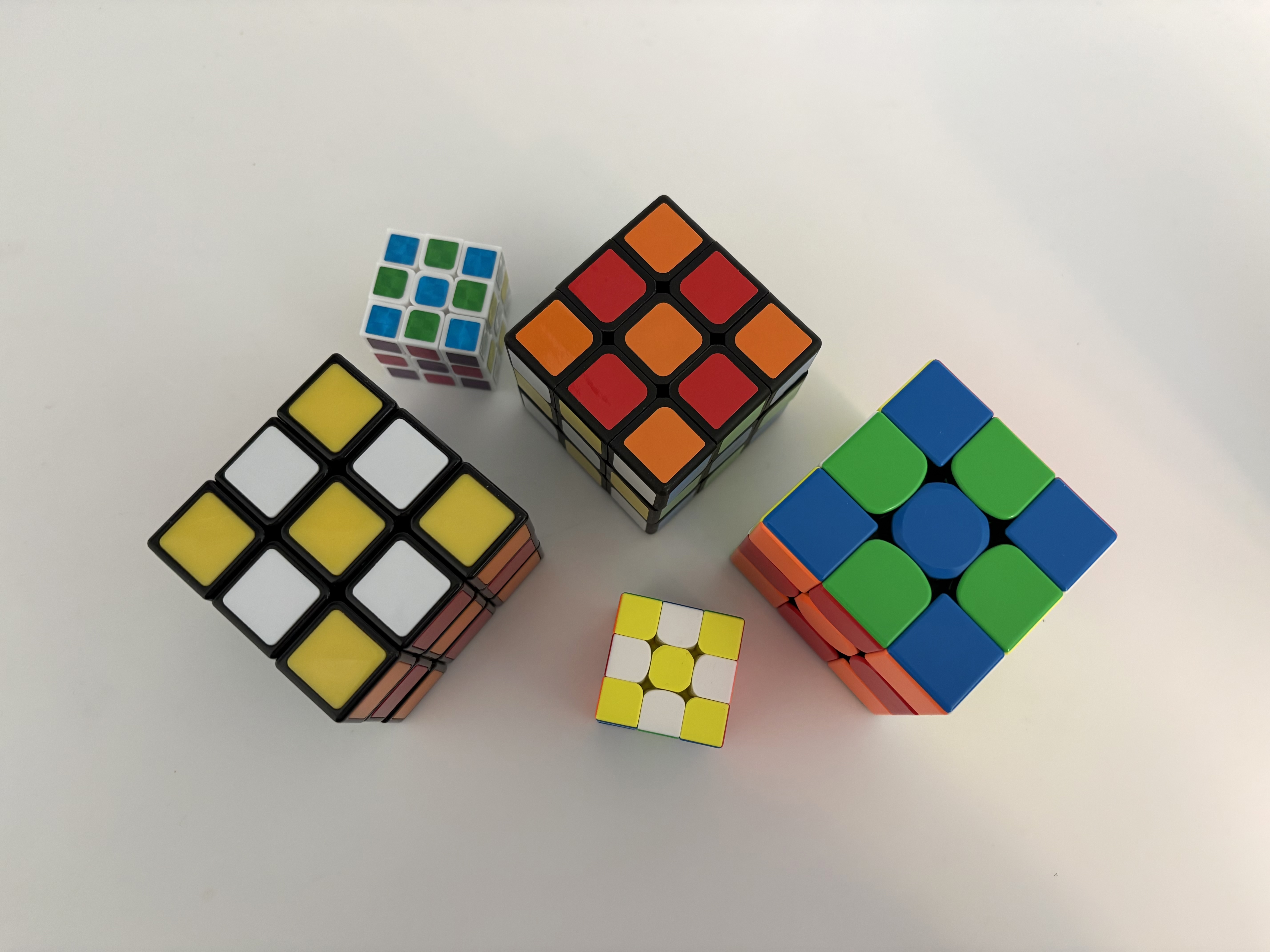
Accurate timing is the foundation of speedcubing practice. If your timing method is inconsistent, your averages will be noisy, and it becomes hard to know whether your practice is working.
This guide explains a simple, reliable process you can use on both phone and desktop.
What you need to time solves accurately
You only need a few basics:
- A scramble source (official-style random scrambles are best)
- A timer with millisecond precision
- A consistent start and stop action
- Clear rules for penalties such as
+2andDNF
If you can, use the same setup every day. Consistency makes your data more useful.
How to time solves on your phone
Use this standard flow:
- Open your timer page and generate a scramble.
- Scramble your cube fully.
- Hold to arm the timer.
- Release and start solving.
- Stop the timer as soon as the solve is complete.
- Record penalties if needed (
+2orDNF).
Tips for better accuracy on mobile:
- Keep your phone on a stable surface.
- Use the same hand motion each solve.
- Avoid accidental taps by waiting for the timer-ready state.
How to time solves on your PC
Desktop timing is usually the most stable option because keyboard input is precise.
Typical flow:
- Open the timer and check the scramble.
- Scramble your cube.
- Press and hold
Spaceto arm. - Release
Spaceto start. - Press
Spaceagain to stop. - Add
+2orDNFif required.
If your times look inconsistent, focus first on input consistency before changing your solving method.
Common timing mistakes and how to avoid them
The most common issues are operational, not technical.
- Starting too early: wait until the timer is fully armed.
- Forgetting penalties: log
+2andDNFimmediately. - Inconsistent stop criteria: always stop only when solved state is complete.
- Comparing single solves: use averages instead of isolated best times.
If you are new to averages, read Ao5 and Ao12 Explained.
Start timing now with Speed Cube Timer
Speed Cube Timer gives you a fast, no-setup workflow for daily practice:
- Official-style scramble generation
- Keyboard and touch timing
- Automatic average calculations
- Penalty handling for
+2andDNF